
Settled · by Something Lighter
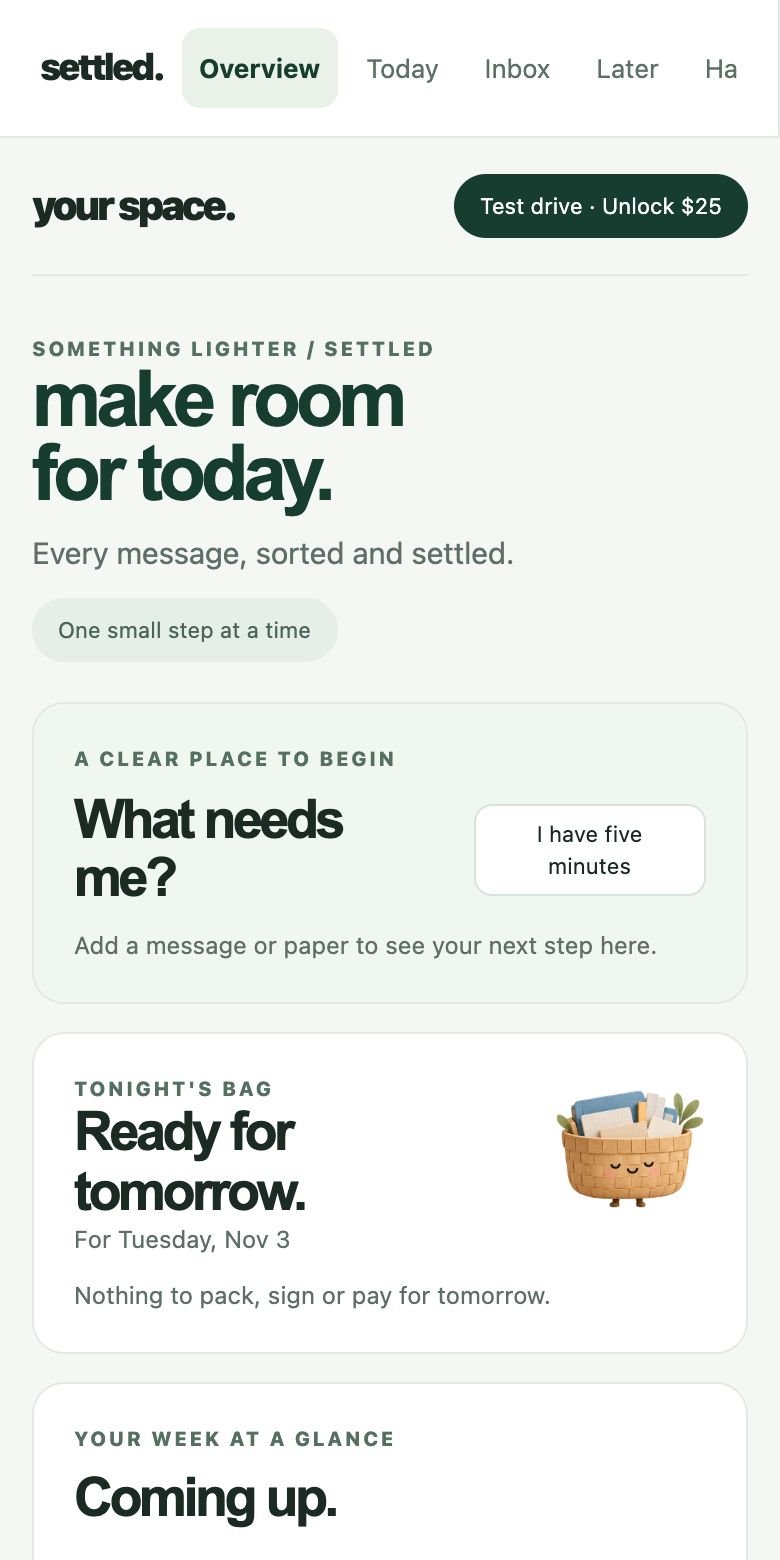
Every message, sorted and settled.
School papers come home in the backpack, in your email and in the group chat, and the dates get buried.
Paste the words, or add a photo or PDF. Settled pulls out the dates, the forms to sign and what your child needs to bring, and you check every line before anything is saved. The night before, Tonight's bag shows what tomorrow needs, so the permission slip doesn't turn up the morning it's due.
No subscription, no account. Saved on this phone. Works offline. If it doesn't work on your phone, write within 14 days and I'll refund you.
When school papers run your week
- You find the permission slip in the backpack the morning it's due.
- The field trip date is buried in a group chat full of messages.
- You hear about color day at drop-off, when it's too late to change.
- You keep it all in your head, because there's nowhere else to put it.
I'm a mother, and this is the first school year with my kids in full-time school. I didn't want to fall behind. Settled is the app I wanted for that pile of papers: one place on my phone that reads them and tells me what each one needs from me.
Less to remember. More room to breathe.
- Nothing hides in the chat
- Paste the message in, and the date and the ask come out where you can see them.
- The night before is calm
- Tonight's bag shows what your child needs to pack, sign or pay for tomorrow.
- Your calendar remembers
- Add any date to your phone calendar with an alarm the night before.
- Your head gets lighter
- Every other to-do has a place: Today, Later or Hand over, so you stop carrying the list around.
How it works
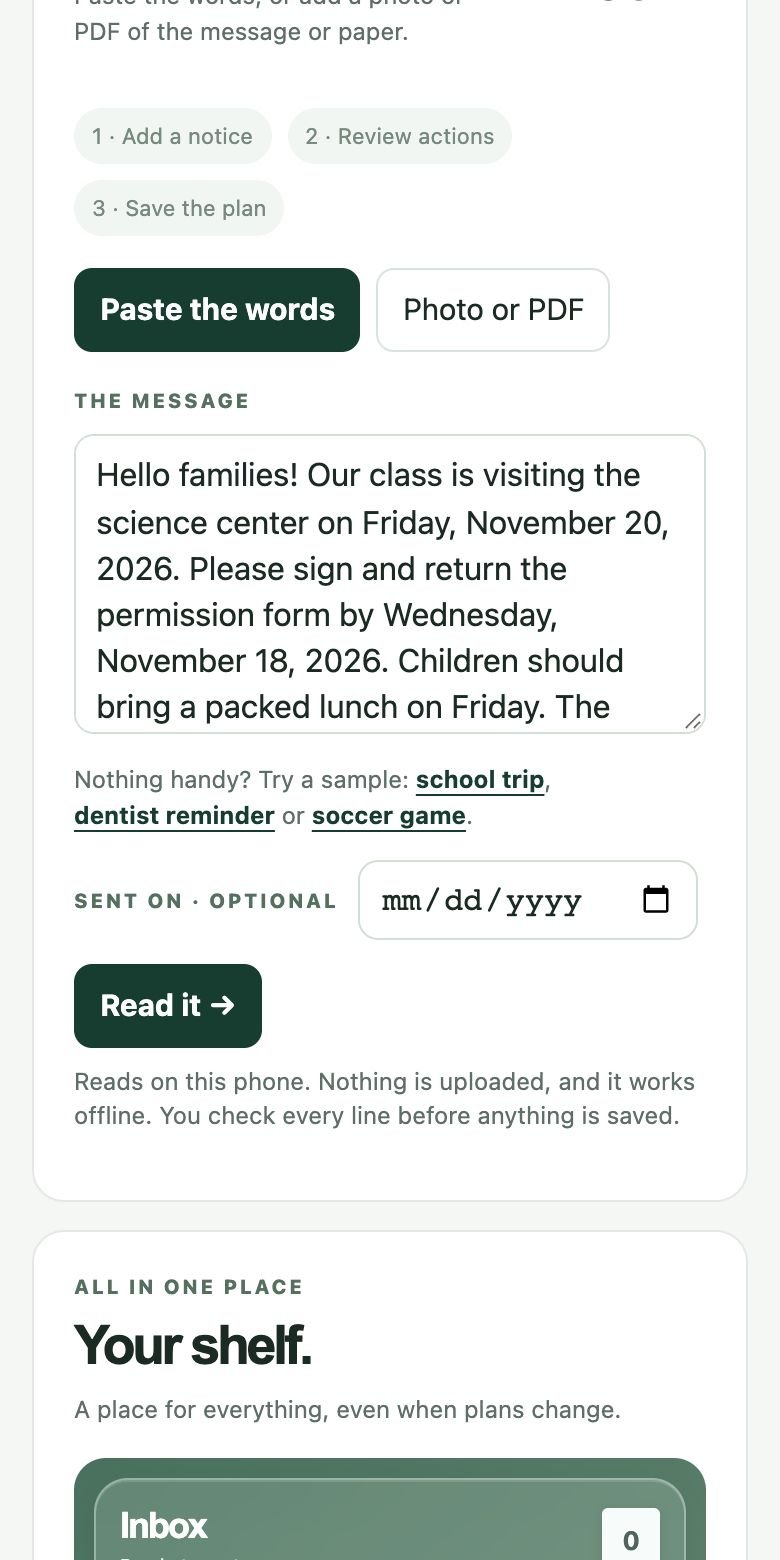
- STEP 1Add a notice
Paste the words, or add a photo or PDF of the message or paper.
- STEP 2Review actions
It spots dates and requests. Check every line, and add anything it missed.
- STEP 3Save the plan
Everything has a place, even when plans change.

What's inside
- Tonight's bag
- See what tomorrow needs, the night before, and add the alarm to your calendar.
- Today
- Choose what fits today.
- Inbox
- A place for what needs your attention.
- Later
- Not for today. Kept here until you return.
- Hand over
- Someone can help. Share the details.
- Finished
- The little things you’ve done.
- Your way back
- Leave yourself a note about where you stopped, for when life interrupts.
Questions
- Is it a subscription?
- No. It's $25, one time, and it's yours to keep.
- Do I need an account?
- No. Settled keeps your plans on this phone. Nothing is uploaded.
- Can I try it first?
- Yes. The samples save for free, so you can see how it works. The $25 lets you save your own messages, papers and lists, with Tonight's bag, calendar alarms and backups.
- What happens after I pay?
- The payment page brings you back to Settled, and the full app turns on for that phone. You also get an email with your unlock link, so you can open it again on any phone.
- What about a new phone?
- Download a backup in Settings, and move it to the new phone.
A little less to carry. One day at a time.
The next school paper is already on its way home. Let Settled read it for you.
No subscription, no account. Buying also puts you on my Something Lighter letter, with updates and new tools, and you can stop it anytime.