Made for Real Life · When you miss calls while you work
An auto-reply for when you can’t pick up
Reply When You Can’t Pick Up · Free
Reply When You Can’t Pick Up sends a short text when you miss a call. It asks what they need and where they are, so they hear from you before they call someone else.
Before you start: You need your business phone and one short text. Free to set up.
Works on your phone. No account. Free.
Why I built it
I started out at the front desk of a hospital. A phone nobody answers is a person who goes somewhere else.
Now I'm a mom of three with a business. I can't always pick up.
So I built a front desk that answers for me. It works even when I'm tired from being a mother.
The smallest version is one short text, sent every time a call gets missed.
How you can use it
In the app, then your phone
The free app writes the text. You turn it on in your business phone app, or keep it as a note to paste.
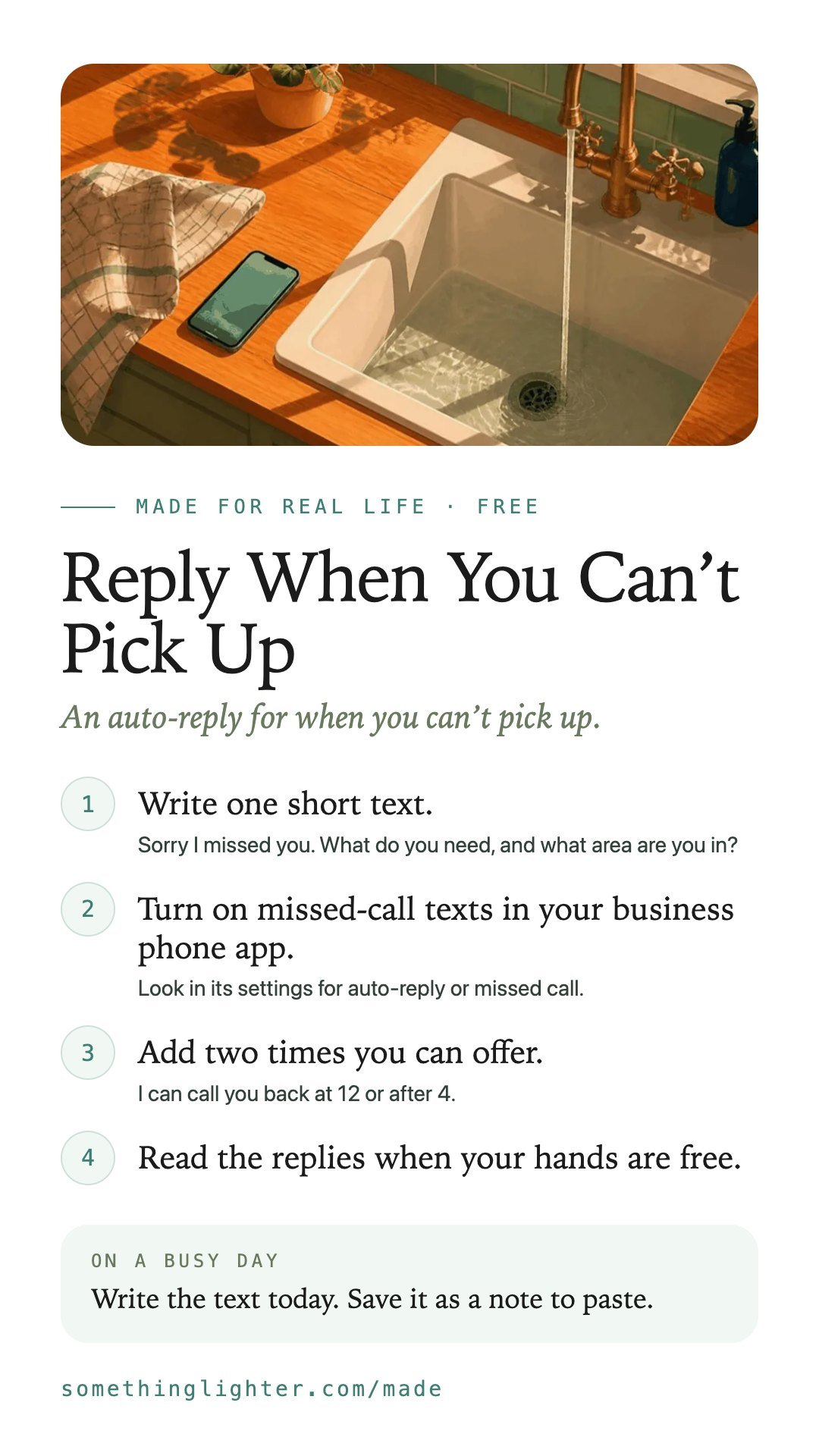
- Write one short text.Sorry I missed you. What do you need, and what area are you in?
- Turn on missed-call texts in your business phone app.Look in its settings for auto-reply or missed call.
- Add two times you can offer.I can call you back at 12 or after 4.
- Read the replies when your hands are free.
Keep the text short enough to read in one look.
Take it free
Reply When You Can’t Pick Up
Open the free appWorks on your phone. No account. Free. Your text stays on your phone until you copy it. Nothing is sent anywhere.
Get the free printableThe steps, a busy-day version and boxes to fill in. One email, then it’s yours.
Keep the steps
Save them to your phone