Made for Real Life · When your hands are full and your head is talking
Say it out loud. Keep it in writing
Talk It Out · Free
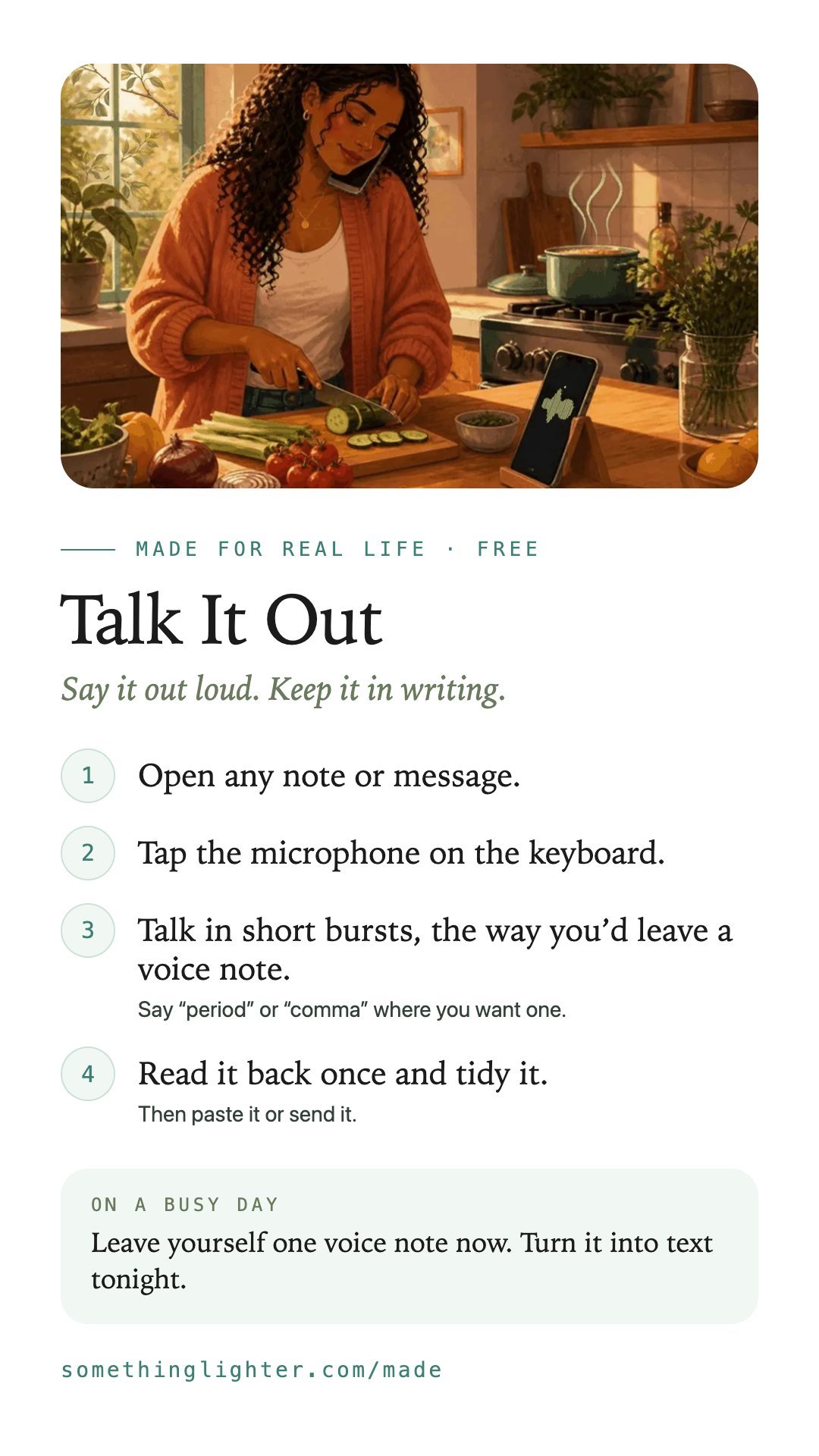
Talk It Out is how I stopped typing everything with two thumbs. You talk, and your words land as text you can paste anywhere, like a note or a text message.
Before you start: You need your phone. The microphone is already on your keyboard. No account. Free.
Works on your phone. No account. Free.
Why I built it
I got tired of typing. Replies and notes, all with two thumbs.
One afternoon I made my own dictation tool. Hold one key, talk, let go. The words land wherever my cursor is, clean. It even spells my name right.
Then I said, can I have it on my phone? Now it's on my phone too.
These days I talk the quote and the follow-up, then paste them.
How you can use it
In the app or on any phone
You can do this in the free app, or in any app that lets you type: notes, messages or email.
- Open any note or message.
- Tap the microphone on the keyboard.
- Talk in short bursts, the way you’d leave a voice note.Say “period” or “comma” where you want one.
- Read it back once and tidy it.Then paste it or send it.
Use it for the things you put off because typing takes too long.
Take it free
Talk It Out
Open the free appWorks on your phone. No account. Free. Your phone turns your voice into text. What you save stays on your phone.
Get the free printableThe steps, a busy-day version and boxes to fill in. One email, then it’s yours.
Keep the steps
Save them to your phone