Made for Real Life · When you save posts and never look again
Turn saved posts into a library you use
Use Your Saved Posts · Free
Use Your Saved Posts sorts everything you’ve saved onto a few shelves. Each week, you try one thing from one shelf.
Before you start: You need your phone and twenty minutes for the first sort. Free.
Works on your phone. No account. Free.
Why I built it
Hundreds of saved posts, and I never went back to any of them.
Then I read every one and sorted them onto shelves. Hooks, tools, offers, ideas.
After that I could see what I'd been saving for. The same few ideas, over and over.
Now I pick one saved post a week and try it. The saves turn into things I've done.
How you can use it
In the app or where you saved them
You can do this in the free app, or with collections in the app you saved them in.
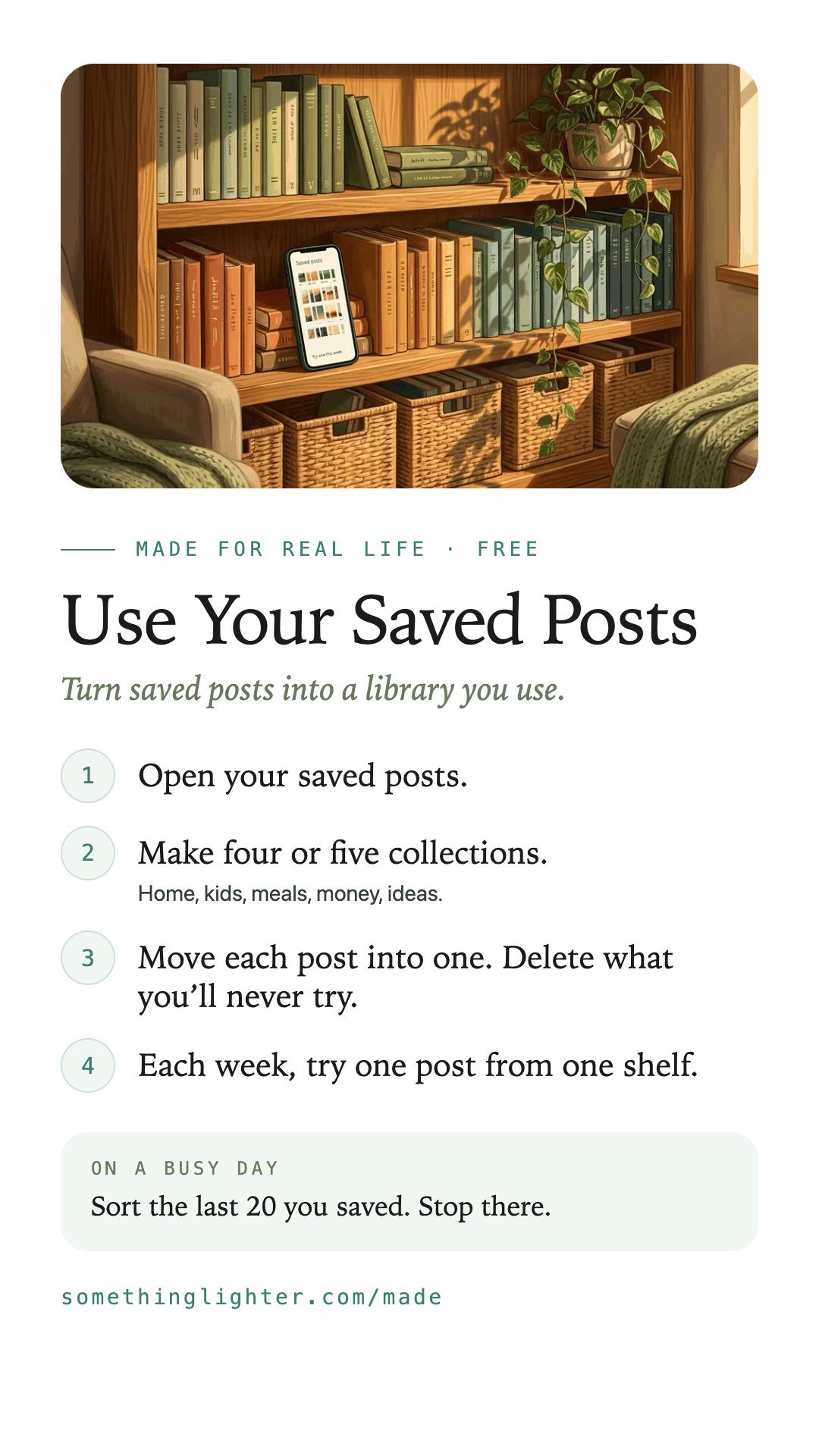
- Open your saved posts.
- Make four or five collections.Home, kids, meals, money, ideas.
- Move each post into one. Delete what you’ll never try.
- Each week, try one post from one shelf.
When you save something new, put it on a shelf right away.
Take it free
Use Your Saved Posts
Open the free appWorks on your phone. No account. Free. Your shelves stay on your phone. Links open in the app you saved them in.
Get the free printableThe steps, a busy-day version and boxes to fill in. One email, then it’s yours.
Keep the steps
Save them to your phone