Made for Real Life · When posting every day feels like a second job
Plan a whole week of posts in one sitting
A Week of Posts in One Sitting · Free
A Week of Posts in One Sitting turns one idea on Monday into a post for each day, each one shaped for where it goes.
Before you start: You need one idea, your phone and one hour. Free.
Works on your phone. No account. Free.
Why I built it
Filming takes twenty minutes. Cutting it up takes the rest of the day.
Same words, five shapes. Upright, square, wide, a tall pin. I was doing every one of them by hand.
So I built a machine that does it. One video in, every shape out.
And I plan the week on Monday, in one sitting. One idea, a post for each day. I film it once and press post all week.
How you can use it
In the app or a notes app
You can do this in the free app, or in a notes app and the scheduler in the app you post on.
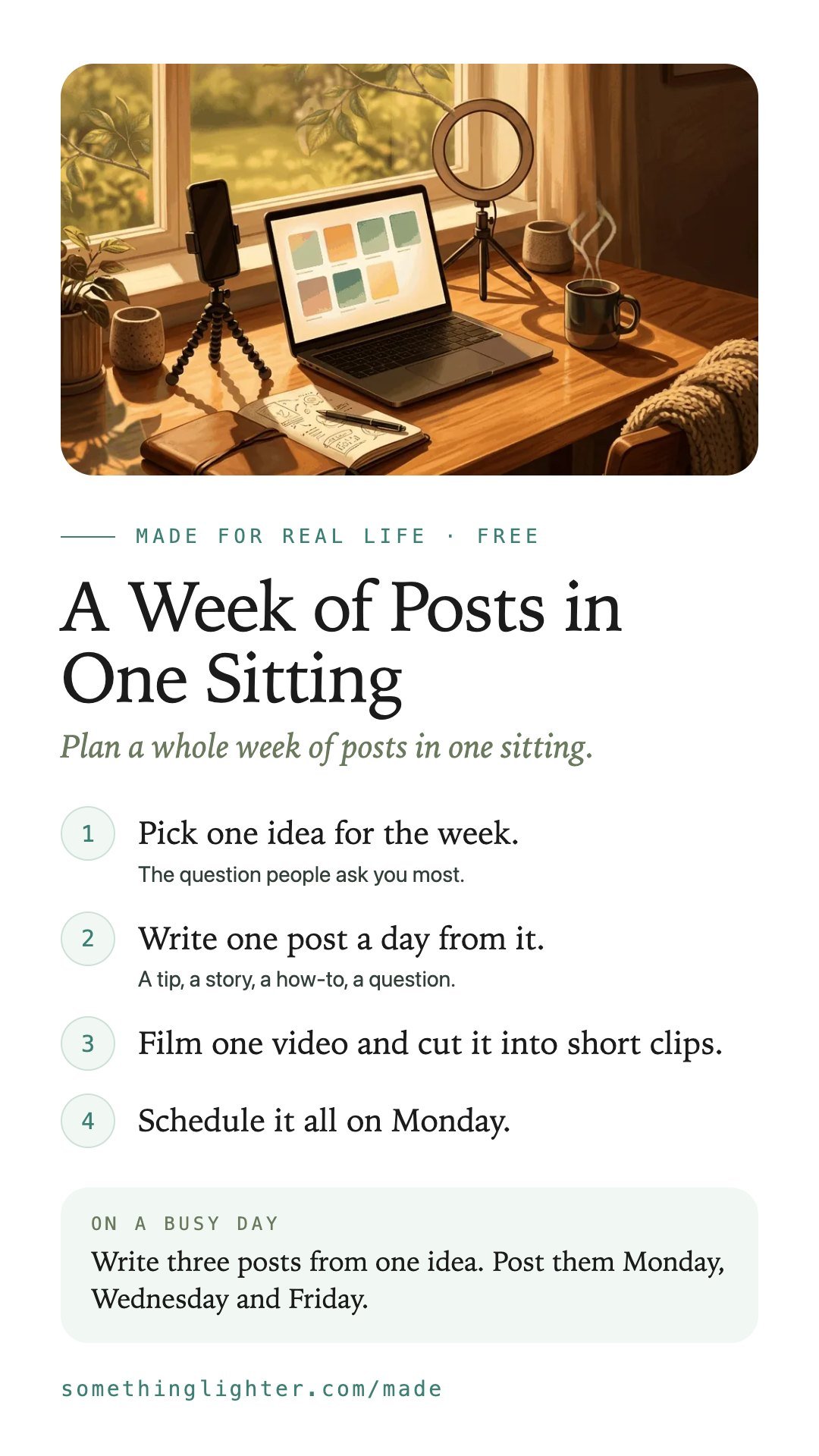
- Pick one idea for the week.The question people ask you most.
- Write one post a day from it.A tip, a story, a how-to, a question.
- Film one video and cut it into short clips.
- Schedule it all on Monday.
Next Monday, pick the next idea.
Take it free
A Week of Posts in One Sitting
Open the free appWorks on your phone. No account. Free. Your drafts stay on your phone until you copy them. Nothing is sent anywhere.
Get the free printableThe steps, a busy-day version and boxes to fill in. One email, then it’s yours.
Keep the steps
Save them to your phone