Made for Real Life · When a bill or renewal sneaks up on you
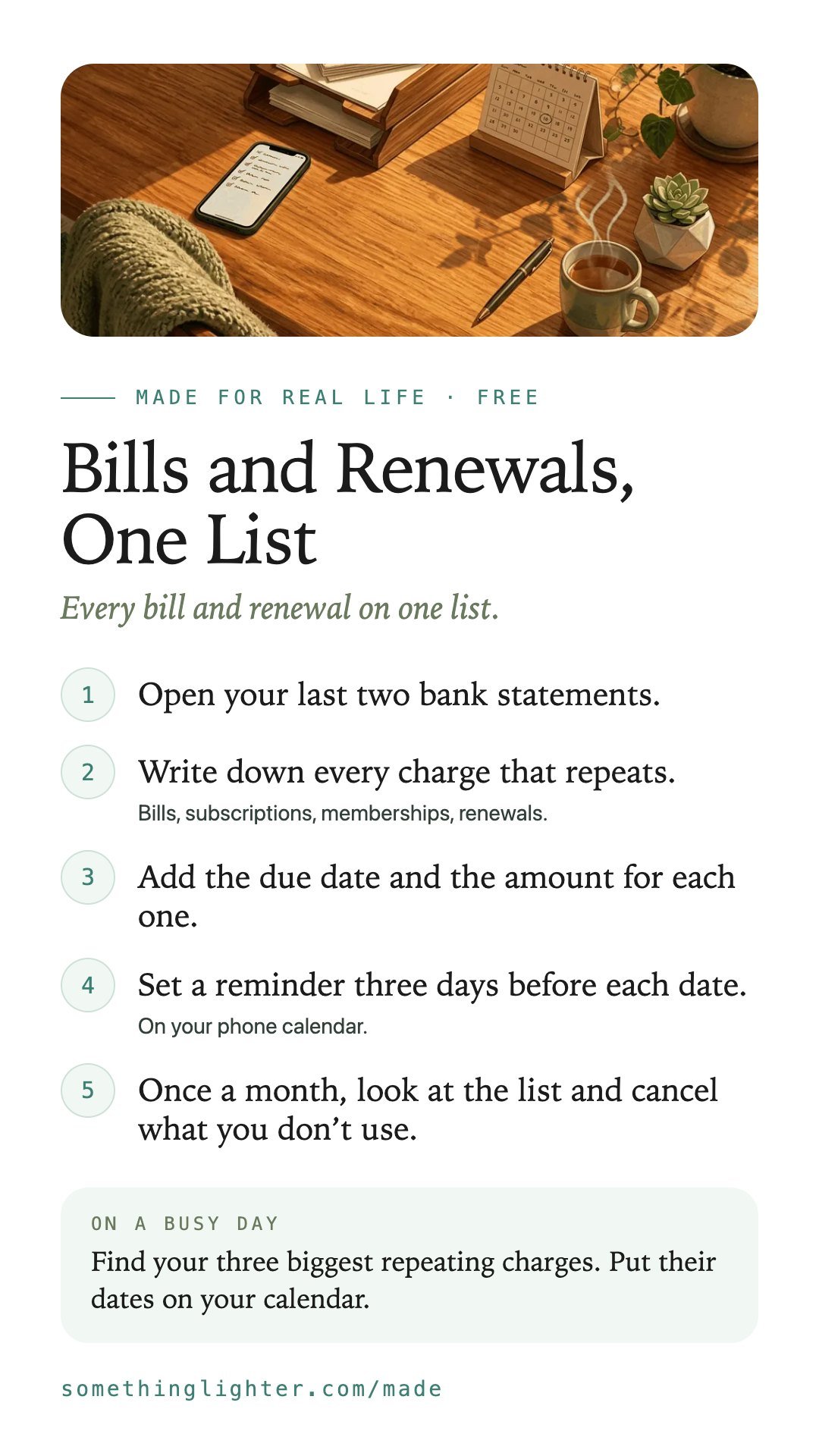
Every bill and renewal on one list
Bills and Renewals, One List · Free
Bills and Renewals, One List puts every bill and renewal on one list, with its due date and a reminder before it. You see what’s coming before it surprises you.
Before you start: You need your last two bank statements and twenty minutes. No account. Free.
Works on your phone. No account. Free.
Why I built it
I'd rather build my own than pay for one more subscription. My own booking page, my own dictation tool, no monthly fee.
Then I looked at my email. So many bill emails, all mixed in with everything else.
Every charge went on one list, with the date and a reminder before it.
Now nothing renews by surprise.
How you can use it
In the app or on paper
You can do this in the free app, on a piece of paper or in a spreadsheet.
- Open your last two bank statements.
- Write down every charge that repeats.Bills, subscriptions, memberships, renewals.
- Add the due date and the amount for each one.
- Set a reminder three days before each date.On your phone calendar.
- Once a month, look at the list and cancel what you don’t use.
Add a new line the day you sign up for something.
Take it free
Bills and Renewals, One List
Open the free appWorks on your phone. No account. Free. Your list stays on your phone. Reminders go into your own calendar. Nothing is sent anywhere.
Get the free printableThe steps, a busy-day version and boxes to fill in. One email, then it’s yours.
Keep the steps
Save them to your phone