Made for Real Life · When your phone says storage full
A weekly clean-up so storage full stops popping up
Phone Storage, Once a Week · Free
Phone Storage, Once a Week is a ten-minute clean-up. Back up first, then clear the biggest thing. Same day every week.
Before you start: You need your phone and ten minutes. Back up first. Free.
Works on your phone. No account. Free.
Why I built it
My computer is small. It kept running out of space right in the middle of making a video.
So a clean-up runs once a week now, by itself. It clears the space before I need it.
And a backup every week too, so one bad day can't cost me the work.
Your phone works the same way.
How you can use it
In the app and your settings
The free app walks you through it. The clean-up itself happens in your phone’s own settings.
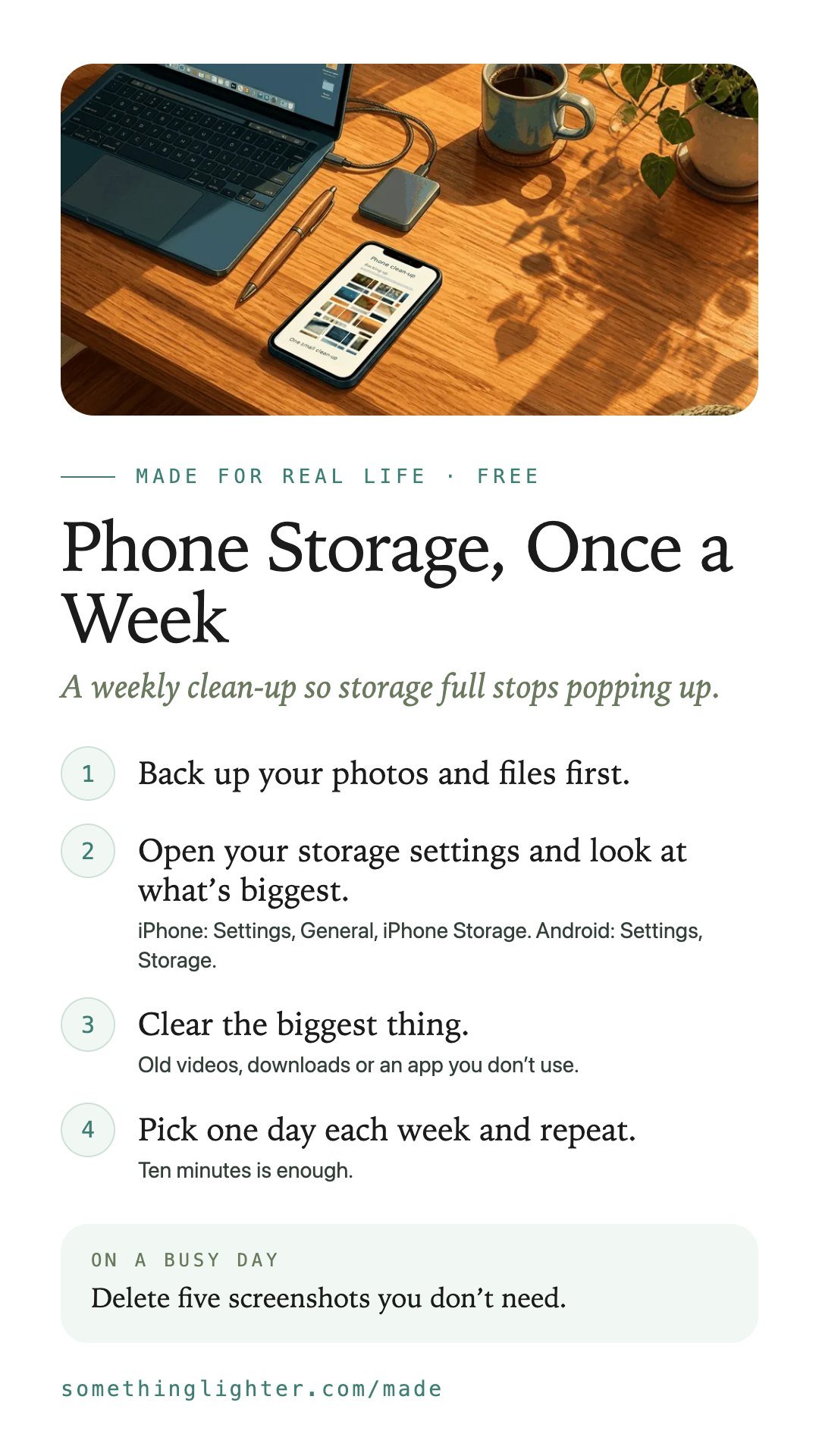
- Back up your photos and files first.
- Open your storage settings and look at what’s biggest.iPhone: Settings, General, iPhone Storage. Android: Settings, Storage.
- Clear the biggest thing.Old videos, downloads or an app you don’t use.
- Pick one day each week and repeat.Ten minutes is enough.
Small and regular works better than one big clear-out.
Take it free
Phone Storage, Once a Week
Open the free appWorks on your phone. No account. Free. Back up before you delete anything. Your ticks stay on your phone.
Get the free printableThe steps, a busy-day version and boxes to fill in. One email, then it’s yours.
Keep the steps
Save them to your phone